Example · Businesses and sales teams
Give your product more than one point of view.
A photograph catches attention. An interactive presentation lets visitors examine a product's shape, details and reverse side at their own pace.
Product presentation · Automotive demonstration
The product, from the visitor's chosen angle
Answer the question your gallery leaves open
A business already has photography and specifications, yet its sales team repeatedly explains a shape or feature on the back of a product. An interactive model can complement that page: visitors choose their view instead of waiting for another photograph.
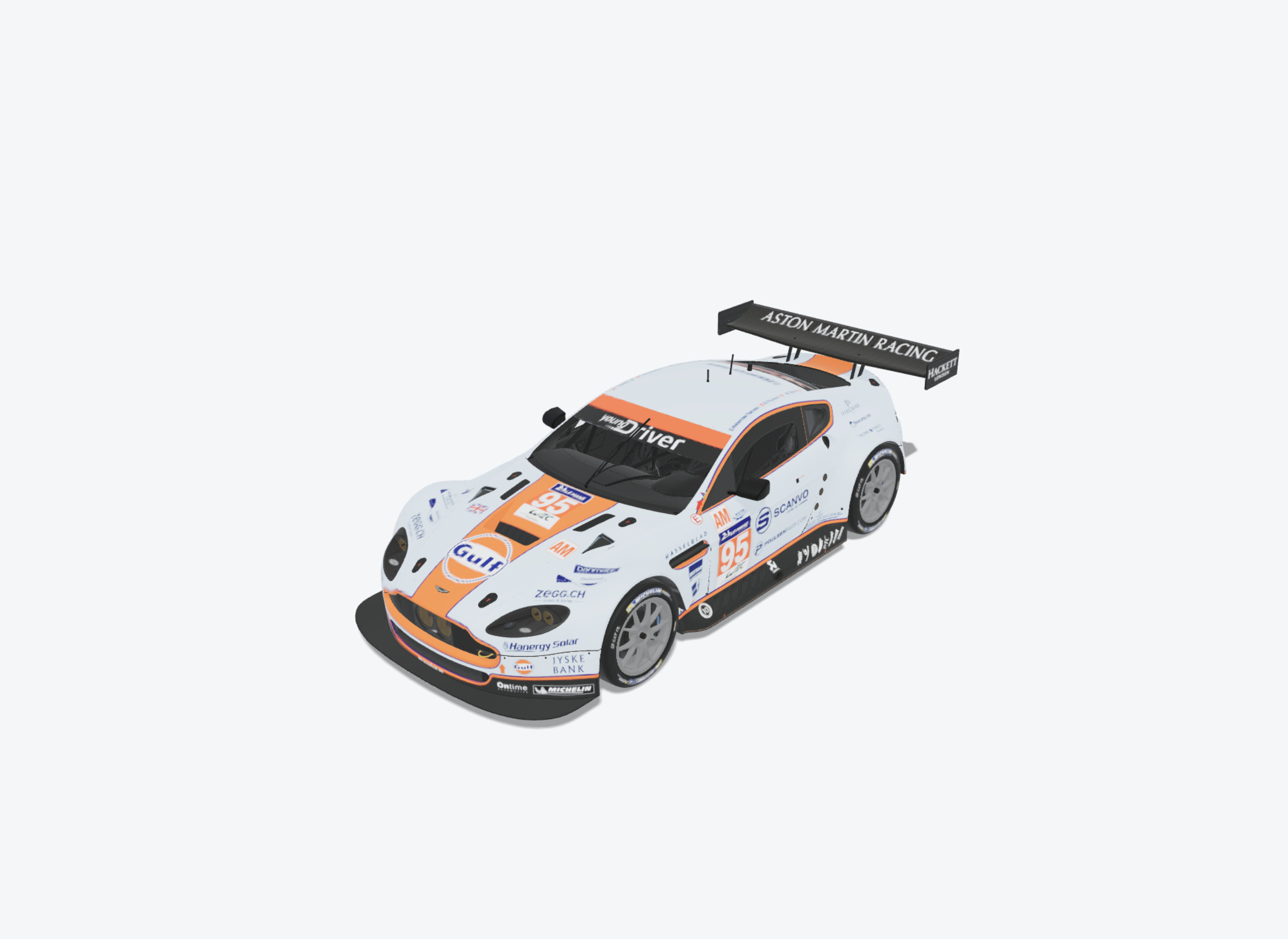
The demonstration car shows this freedom to examine bodywork and proportions. For your catalogue, pick an item whose geometry explains something useful, such as an enclosure, a piece of equipment or furniture. Decide which customer question the model should answer before preparing the file.
Presentation quality starts with the asset
Flattering lighting cannot repair missing components or an incorrect texture. Compare the prepared model with your product reference, check its orientation and inspect reflective surfaces from several directions.
Khronos asset guidelines provide a framework for consistent 3D commerce representations. Use them as a reference when checking your asset before preparing its presentation in DevXR.
- Keep the file practical for the devices your visitors actually use.
- Choose a background that gives the product a clear outline.
- Place dimensions and specifications in readable text alongside the viewer.
Fit the viewer into the page you already have
Place the presentation near your gallery and product explanation. Your website keeps its navigation, enquiry form and commercial actions. The iframe displays the presentation published through DevXR.
Publish one chosen item
Import the GLB, inspect the processed result and adjust the presentation. Save and publish it. Keep confidential prototypes out of a public demonstration.
Add the iframe to your page
Copy Studio's generated code into an HTML block on your website. Give it a fluid width, useful height and a title that identifies the product.
Review it as a prospective buyer
Open the page on a phone and a computer. Check loading, zoom and rotation, then make sure visitors can continue reading without getting trapped in the viewer.
Preserve an alternative
Retain photographs, written specifications and a link to the standalone presentation. A visitor without WebGL should still be able to understand what you offer.
Find out what visitors understand more clearly
Ask a few people to find a specific feature and observe where they hesitate. Their answers can inform your camera framing and page layout. Then compare incoming enquiries with the questions your page already answers.
This workflow does not include a basket, synchronised prices, a variant configurator or mechanical simulation. Displayed colour also depends on the screen and lighting; keep physical references where an exact finish matters.
Start with the product that is hardest to show
Prepare one item and place it on a test page. Compare what people understand from photography alone with what they can discover interactively. Then decide which other products would benefit from the same treatment.
Try 3D for my product